

Backlogr for Desktop
BETAYour game backlog, now on the big screen. All the features you love, optimized for desktop.
Requires Windows 10+
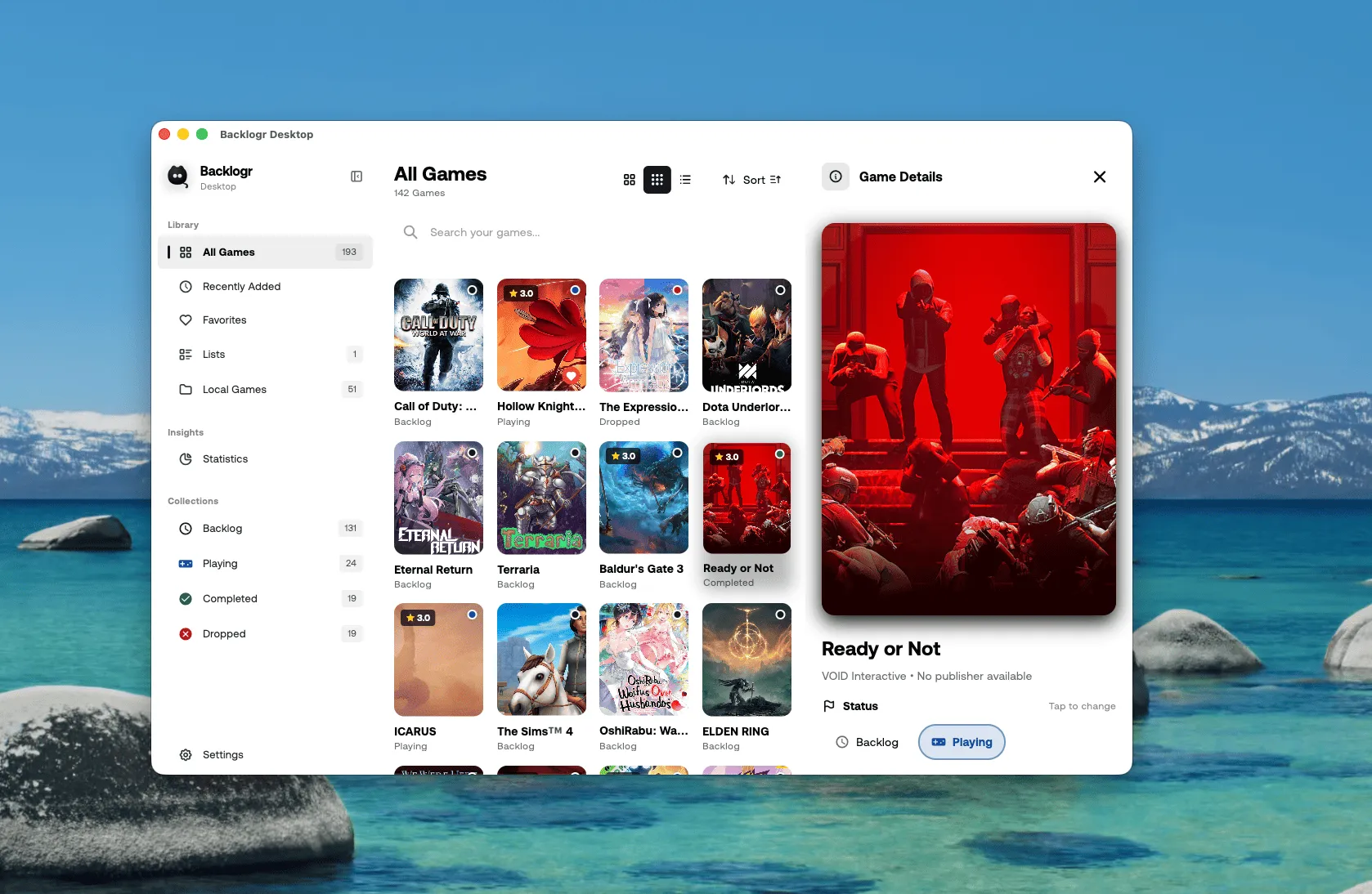
Everything you need on the big screen
All your favorite mobile features, optimized for a desktop experience.
Big Screen
Desktop optimized
Import Backups
From mobile app
Steam Sync
Library import
Offline Mode
No limits
Custom Lists
Your collections
Export
Backup anytime
Search
Find instantly
Quick Edit
Keyboard shortcuts
Backlogr Plus
Sync everywhere with Plus
Keep your game library in perfect sync between your phone and desktop.
- Real-time cloud sync between mobile and desktop
- Automatic backup of your entire collection
- Steam, PlayStation & Epic Games library sync
- Priority support and early access to features

Having trouble?
Here are solutions to common installation issues.
macOS says the app "cannot be opened"
Since Backlogr Desktop is currently in beta and not signed with an Apple Developer certificate, macOS Gatekeeper may block it. To open the app:
- Right-click (or Control-click) the app and select Open
- Click Open in the dialog that appears
Alternatively: System Settings → Privacy & Security → scroll down → click "Open Anyway"
Windows SmartScreen warning
Windows may show a SmartScreen warning for new apps. To proceed:
- Click More info on the warning dialog
- Click Run anyway